How to fix the USB issue of Samsung Phone continuously disconnecting from PC (useful for GearVR devs)
Today I want to talk about a really annoying issue regarding some smartphones. It is slightly off topic, since it’s not directly a VR topic (and this is a VR blog), but since I use my Samsung Note 4 to do mobile VR… we can say that this is absolutely a VR-related post… can’t we?
The issue is the following: you connect your Samsung phone (in my case a Samsung Note 4, but the issue happens also with the S7 and other models) to a PC and everything works fine. Then you try maybe to move some data (e.g. backup your phone photos to your hard drive… or you try to deploy your APK for an awesome VR game) and suddenly the phone disconnects from the PC. One second later, it reconnects. And then it goes this way, with a connect-disconnect schizophrenia that makes you become completely mad. Even because there’s no exact reason because this happens: sometimes it stays connected more, other times less… but anyway you can’t use it in peace. And for me, during continuous deploy of big APKs of VR applications, this bug has meant an enormous waste of time.
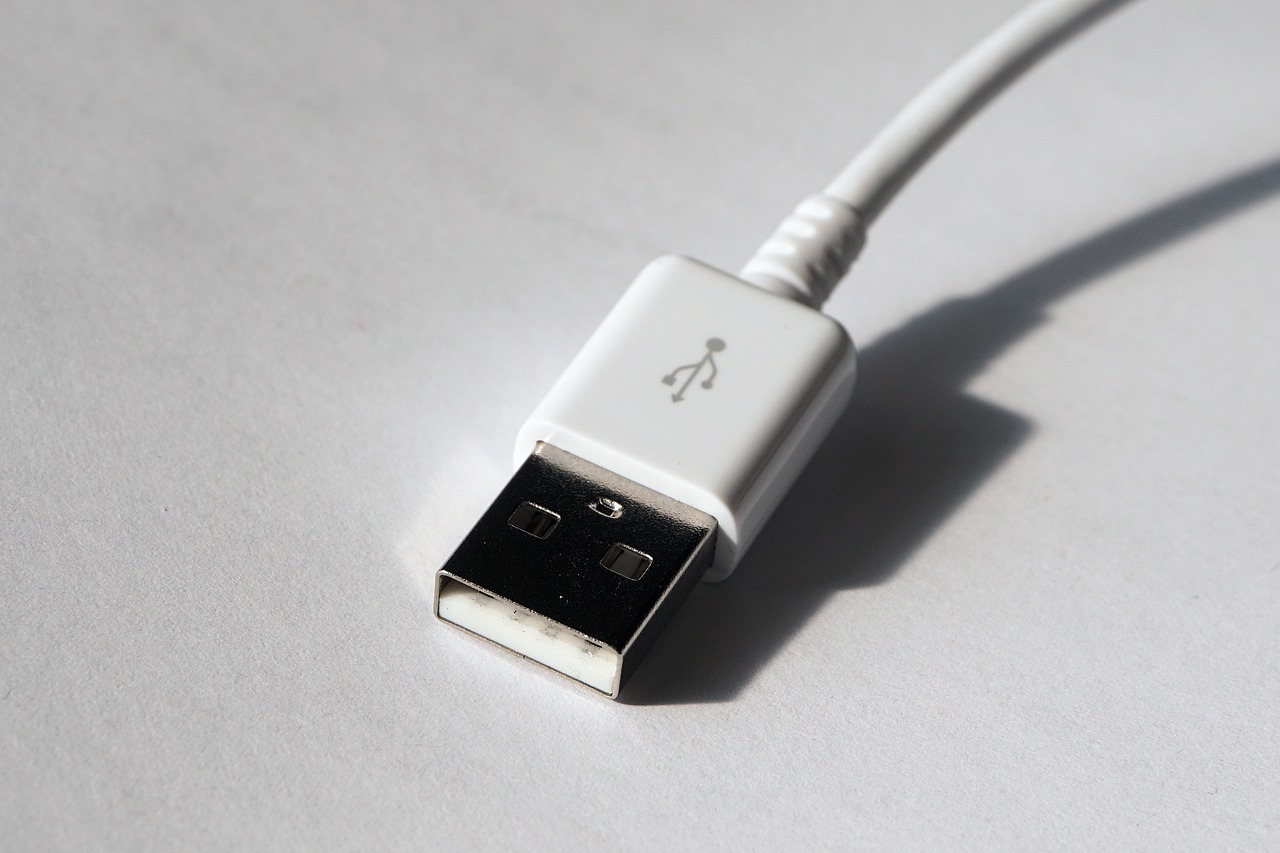
There are various solutions to this issue online: update drivers, change settings, etc… but no one worked for me, until Gianni found the solution on some forum. And the solution is: use another USB cable. I mean, it may seem strange to you, but this issue happens only when you use Samsung official cable, the one that ships with your phone. That cable is a particular cable that is fantastic for the fast recharge of Samsung phones (that awesome feature that makes your phone to recharge in really no time when you connect it to the power outlet) and so has some little differences wrt standard USB cables. Don’t know why, but this makes Windows go crazy. If you use another USB-to-USB-C cable, even a crappy one bought on Amazon, this doesn’t happen anymore. So, take another non-Samsung USB cable and use that to connect your phone to your PC. Keep the fast-recharge cable only to recharge your phone. A simple solution for a very annoying problem.

And that’s it. Hope this little tutorial has helped someone. Cheers!
Disclaimer: this blog contains advertisement and affiliate links to sustain itself. If you click on an affiliate link, I'll be very happy because I'll earn a small commission on your purchase. You can find my boring full disclosure here.