How to fix the “An Oculus update may not have installed correctly” error
Sometimes it happens that when I launch my Rift, an error saying that “an Oculus update may not have installed correctly” pops up… and after I close it, everything seems to work perfectly. Today, I finally understood what it means and I want to explain this to you, in case you find yourself in
The situation is this one: as soon as you put your Rift on, you find yourself in a gray environment, with just a popup saying “Critical Error. An Oculus update may not have installed correctly. If you experience issues, restart your computer or visit Oculus Support to get help”. You then close this popup and everything works like a charm: all games, menus, etc… so, where is the issue?
The issue is that, as the popup hints, the Oculus runtime isn’t able to update itself anymore. There is an update ready to be installed, but it can’t perform the installation and so it shows you that weird error. This is why everything works: the fact that
Of course, having Oculus that can’t update itself isn’t something good. Today I logged in to try the new features of Oculus, like the new
Ok, you got what the error means. But how can you fix it? Well, it’s damn simple: free space on your hard drive. 99% of the times, this error can be fixed by this simple operation (this is also confirmed by some answers on Oculus forums). I have all the Oculus software on my C drive, so I had to free some GBs from there. How much space? Well, Oculus advises to have at least 12 GB free, so take that number as a rule of thumb.

After you have freed some space, you had better re-start Oculus app and then wait a bit. As soon as I freed the disk space and put my Rift on, I saw that error again and was puzzled. But then, after some minutes, I saw a pop-up on my Oculus desktop app asking me to update my Oculus runtime. I clicked on Ok and Oculus finally updated itself. Be patient.
This is a simple solution
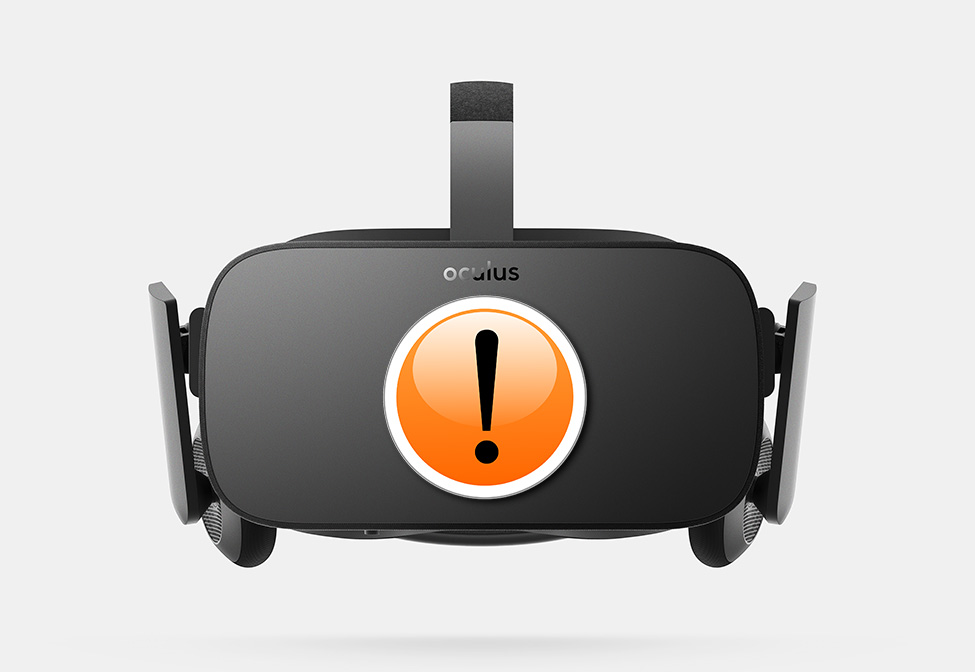
(Header image modified starting from one by Oculus)
Disclaimer: this blog contains advertisement and affiliate links to sustain itself. If you click on an affiliate link, I'll be very happy because I'll earn a small commission on your purchase. You can find my boring full disclosure here.