Android XR prototype glasses hands-on: the usual great UX from Google
At AWE, one of my most important experiences for me was going hands-on with the prototype Android XR smartglasses by Google, the ones you have probably seen during the keynote at Google I/O. Let me tell you about my experience with them!
Android XR smartglasses
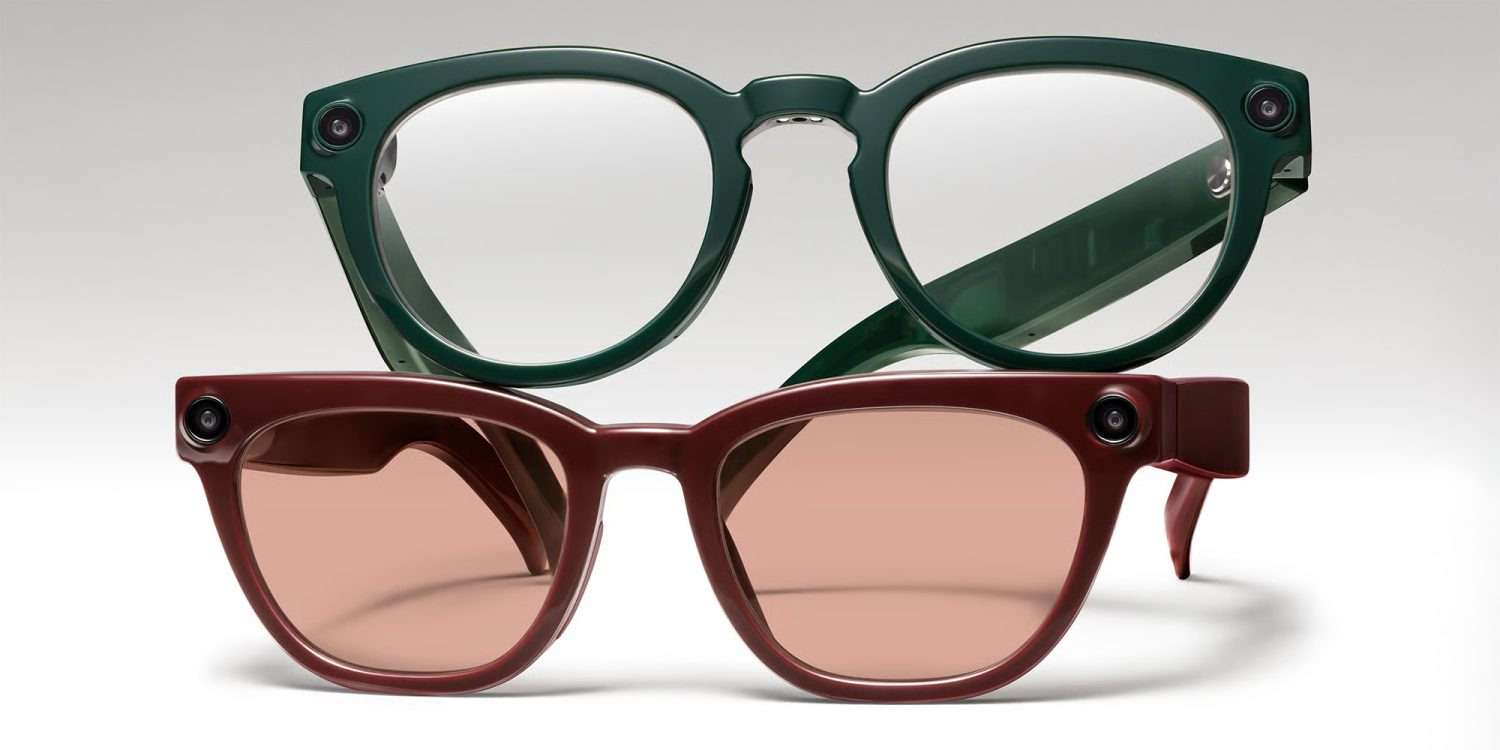
It’s widely known that Google and Samsung are working together on some smartglasses with Android XR as their operating system. These glasses should be built in collaboration with eyewear companies like Gentle Monster, Warby Parker, or Kering Eyewear and have features similar to Ray-Ban Meta glasses.

Google and Samsung have not fully unveiled them, but they have revealed various details about them, like for instance that they use Android XR as the operating system and Gemini as the AI assistant. They also unveiled the style of the glasses, with Gentle Monster’s one having a look clearly studied for women.
Since Samsung Glasses have not been launched, Google usually makes demos using its own internal prototypes. The ones you saw at Google I/O are exactly that: prototype devices to test Android XR functionalities on smartglasses. They are not intended to become a product, but they are very good as a showcase. And at AWE, at the Qualcomm booth, Google was demoing exactly one of those.
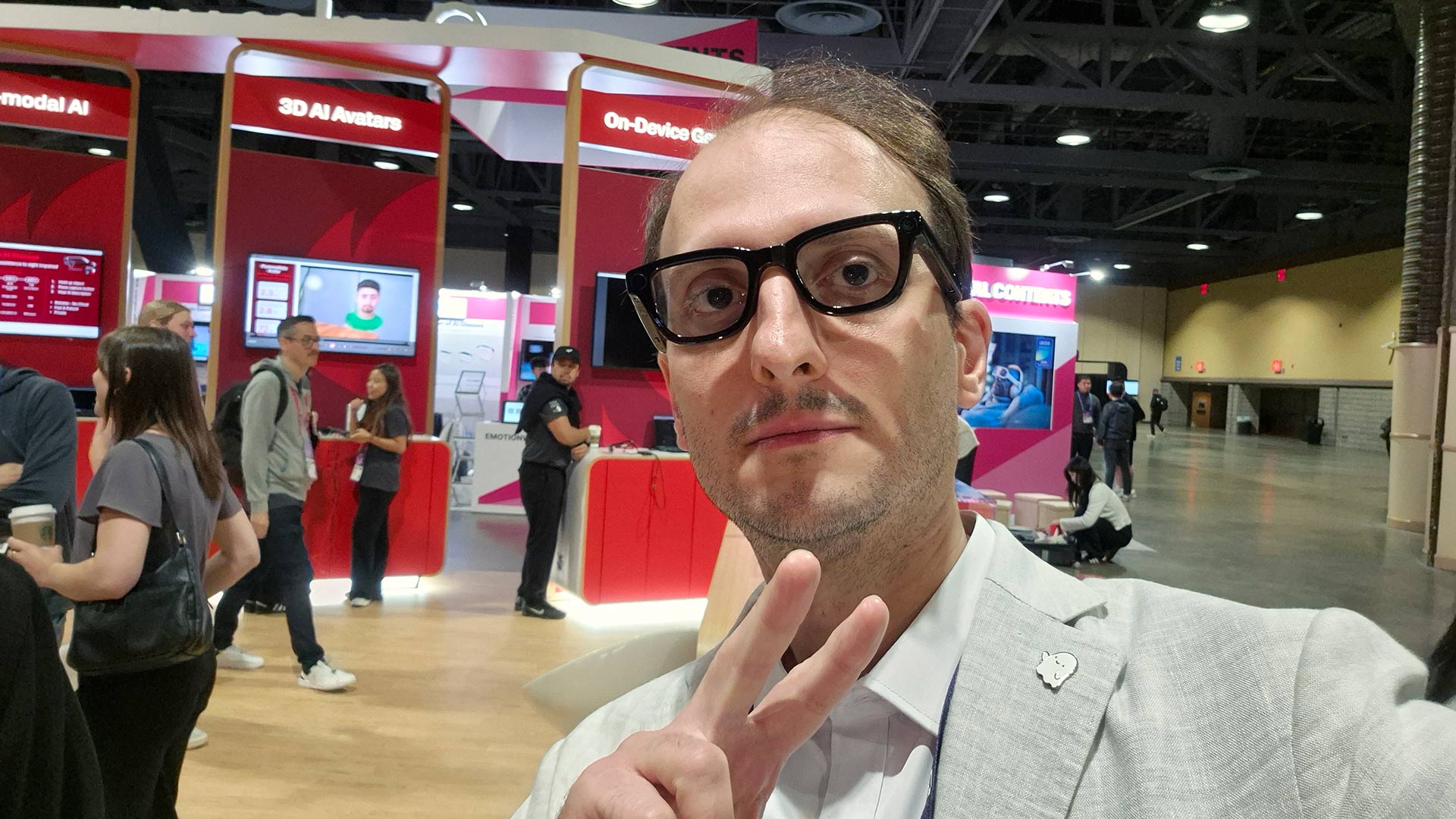
I’ve been able to try them for a few minutes in a very scripted demo, and these have been my impressions about them.
Google prototype smart glasses
I won’t comment much on the hardware, since, as I’ve said, it is not representative of any real product that is going to come to the market. This is also the reason why the Google employee at the booth asked me not to take pictures too close to the glasses. Anyway, let me say a few words about them to satisfy your curiosity.

The glasses looked like thick normal glasses. Like all other smartglasses on the market, they kinda looked like normal glasses, but the frames were a bit thicker, and the glasses were a bit heavier. There was a camera and a privacy LED that was blinking when the camera was in use. The glasses had integrated speakers, and while I can’t comment on the audio quality, I can tell you that I was able to hear what the AI assistant was saying even on the noisy show floor of revent, so the speakers were good enough. And the AI was able to understand what I was saying, so the microphone was doing its job, too.

There was also a display, a colored one. As you can expect, its field of view was not big, but the text there was clearly readable. While looking at the display, I had the sensation my eyes were crossing. In the beginning, I thought there was some stereo mismatch problem, but then my friend Norman Mueller (follow him!) made me realize that the glasses were monocular, and this is why they were creating so much discomfort for the other users and me.
Hands-on Android XR glasses
As I told you, the demo I tried was completely scripted. I was asked to put on the glasses, and in front of me there was a physical screen mirroring what I was seeing inside, so the other people could follow the demo, too.

In the beginning, I could see only a small widget with the time and the weather information. It was small and in the lower region of my vision. Then, I could use the lateral frames to navigate the UI and play some music. I could hear the music pretty clearly. Then, by swiping and tapping on the lateral frame, I could stop it and play it again. It was interesting that the little UI of the music player I was seeing on the glasses became bigger when I was interacting with it through the glasses and then became more compact when I was not interacting anymore. This was good to keep the visual interface as less invasive as possible in front of my eyes, making it bigger only when it was needed.
After that, I was asked to trigger Gemini and ask questions about some objects on the table. There were a few books, a menu of a restaurant in Italian, and some other props. I started asking questions, like asking which one of the two books was better, and Gemini gave good answers. I also tried to translate the menu into Italian, but the AI noticed that it was already in Italian, so it correctly told me that it was not necessary. I also asked about nearby Starbucks and got some suggestions. In general, Gemini gave me pretty good answers. Anyway, when a friend of mine asked for “veggie” options on the Italian menu, Gemini suggested a plate with some beef… which probably was not the best veggie option. So let’s say that, as usual, AI can hallucinate, but in general, it was working well (especially if you’re not a vegetarian). The voice of Gemini was feminine and slightly cheerful: I guess you heard her in some of the Google I/O demos.

More than the AI demo per se, which was similar to dozens of AI assistant demos we have all already seen, it was interesting to me to read the text transcription on the glasses. Google has recently published guidelines about its UX on glasses, and here I could see them in action. The AI was transcribed on the lower part of the display, so it was not disturbing my view of the world. Google, like Meta, is not putting the text straight in front of your eyes, because that would clutter your vision of the world. The text was on the lower part of the screen and was letting me see what I had in front of me. The text was small-ish, but still readable.
After that, there was the usual translation session. As usual, the guy in front of me was speaking Chinese, and I could read the translation into English in front of my eyes. And as usual, he was saying very basic Chinese sentences, and I was answering before the translation even finished. And as usual, when he asked me if I understood some Chinese, I answered no, basically because I love trolling. Anyway, as usual with Google, the translation was working pretty well.
On the localization side, I’ve found it more interesting that Gemini was able to understand the language of the user on the fly. When my Chinese friend had to try the glasses, there was no need to configure them to work in Chinese: Gemini just listened to her speaking in Chinese and automatically switched the language. This is pretty handy.
Then there was the final demo with the navigation. I asked Gemini for some Starbucks shops nearby the convention center, and it provided me with a couple of options. Then I asked Gemini to guide me there, and the glasses went into navigation mode. The navigation mode was pretty interesting: if I was looking in front of me, I was seeing the direction to follow inside a small square. But if I was looking down, it was showing me a map of the surrounding area of the city. You can see that in the video here below:
This is great UX at work: if I’m looking forward, it is because I’m walking and so I need directions of where to go in front of me. But if I’m looking down (as if I were looking at my phone), I’m probably getting lost, so I need to see a map. And the map was always up-to-date according to my current orientation. The whole transition between the two modalities required no input from my side: it just worked, and that’s why the usability was great. It is a pity I could not actually go to Starbucks and verify how it worked along the path, but it all seemed pretty cool.
Final impressions
I have found it pretty interesting to go hands-on with these glasses and have a preview of Android XR on smartglasses. And more than the glasses per se, I think it was cool to go hands-on with the UX offered by Android XR.
As usual, Google delivered very well on this side: the glasses were very simple to use, and the graphical UI was clearly studied to be usable and not clutter the view of the user. This is what I liked the most, and made me very positive about the usability of Android XR glasses. Probably this can be the unique value proposition that Google offers better than the competition.
On the con side, I think these glasses are similar to all the other glasses on the market: there is a camera, and they are made for listening to music, translation, AI assistance, navigation, etc… This is what everyone else is doing. The more I try smartglasses, the more I have the impression they are all the same, with just slight differences. For this reason, I think that these glasses are probably not going to disrupt the market, because they offer something similar to what Meta (the market leader) is already offering. But still, they look like a good product, so they can still carve out some place in the market.
These are my impressions after a few minutes of trying these glasses. I hope in the future to have more time with them so that to write for you a more complete opinion about them. In the meantime, I wish Google, Samsung, and Qualcomm good luck with the launch of these glasses, which hopefully is going to happen soon.
Disclaimer: this blog contains advertisement and affiliate links to sustain itself. If you click on an affiliate link, I'll be very happy because I'll earn a small commission on your purchase. You can find my boring full disclosure here.